Graphic design, Canva and Adobe training for NDIS participants
Creative digital skills for work and life. Participants design posters, social media posts, invitations and logos, starting with Canva and moving on to Adobe apps when ready.
What you'll learn
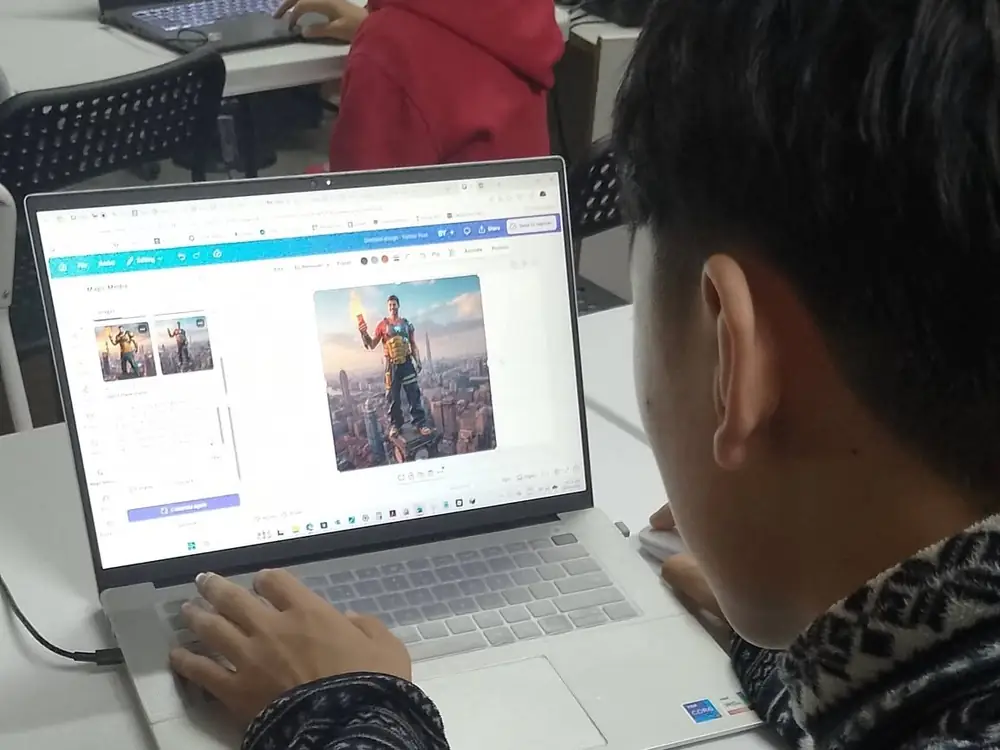
- Canva: posters, flyers, social media posts and presentations
- Design basics: layout, colour, fonts and images
- Adobe Express for quick, professional graphics
- Adobe Photoshop: editing and retouching photos
- Adobe Illustrator: logos and simple illustrations
- Exporting designs for print and online
How it helps with work
- Design skills used in marketing, retail and admin roles
- A portfolio of designs to show employers
- Skills to promote your own small business or hobby
- Creative work for volunteer groups and community events
- Confidence using industry-standard software
Want to bring designs to life? Add video and audio editing, or use AI image tools responsibly.
How sessions work
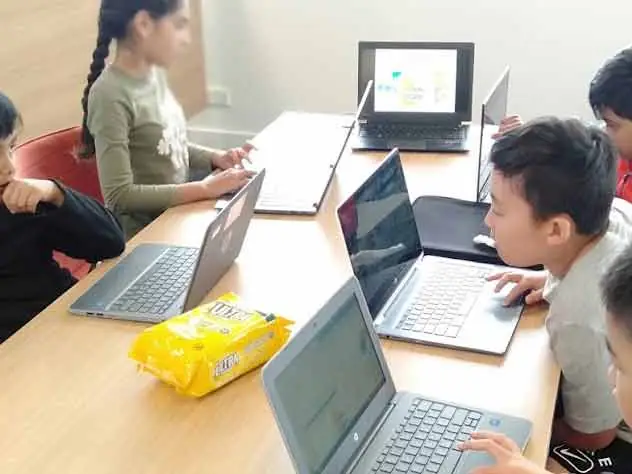
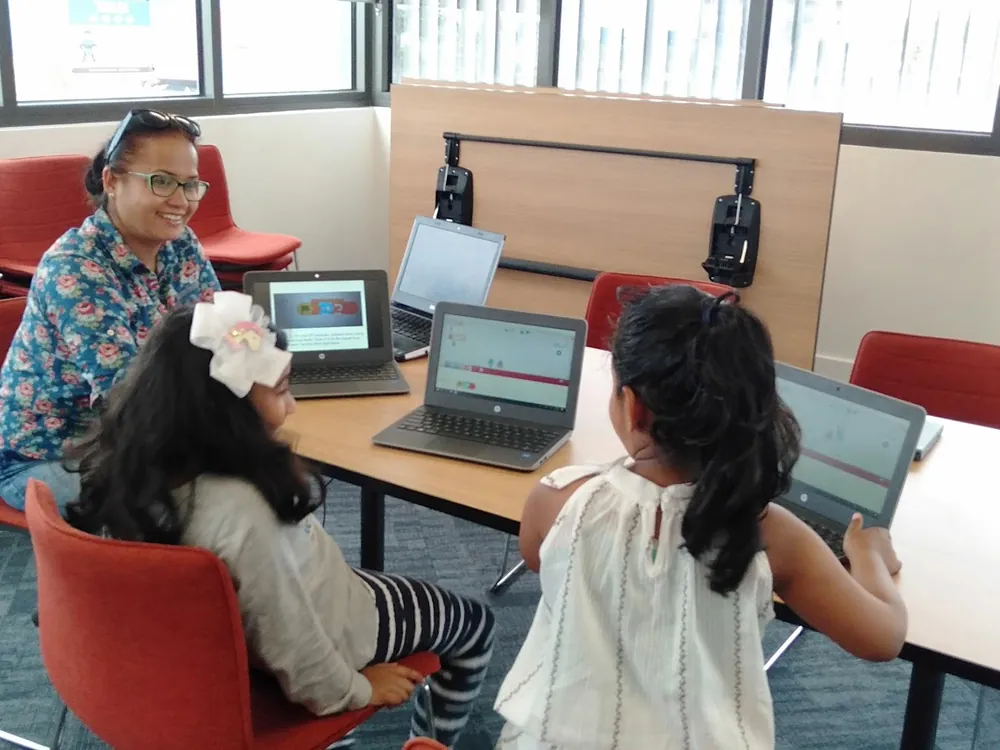
- One-to-one sessions, or a small group when the participant is ready
- A patient instructor who adapts the pace, language and activities
- Visual step-by-step plans and plenty of practice
- Breaks whenever they're needed, in a calm setting
- Face to face at a location that suits the participant, or live online
- Short progress notes for families, support coordinators and plan managers
Using NDIS funding
We work with NDIS participants whose funding is self-managed or plan-managed. Talk to your plan manager or support coordinator about how sessions fit the goals in your plan, such as building skills for work, learning, or social and community participation.
STEMBuddy is not a registered NDIS provider, so NDIA-managed funding can't be used. We provide invoices and short progress notes after sessions. How NDIS sessions work.
Questions from participants and families
Is Canva free?
Canva has a free version that's enough to start. We'll show you what the paid features add before you decide.
Do I need to be good at drawing?
No. Graphic design is mostly arranging text, photos and shapes well. We'll teach the basics of good layout.
Do I need Adobe software?
Not to start. Adobe apps need a subscription, so most participants begin with Canva and add Adobe later if it suits their goals.
Can I design for my own business or group?
Yes. Bring a real project, like a flyer or social post, and we'll design it together.
Talk to us about NDIS sessions
Tell us the participant's goals and interests, and we'll suggest a starting point and times.