
3D design and CAD training for NDIS participants
From simple 3D shapes to technical drawings and animation. Participants learn Autodesk TinkerCAD, AutoCAD and Maya, the same tools used in engineering, architecture, manufacturing and games.
What you'll learn
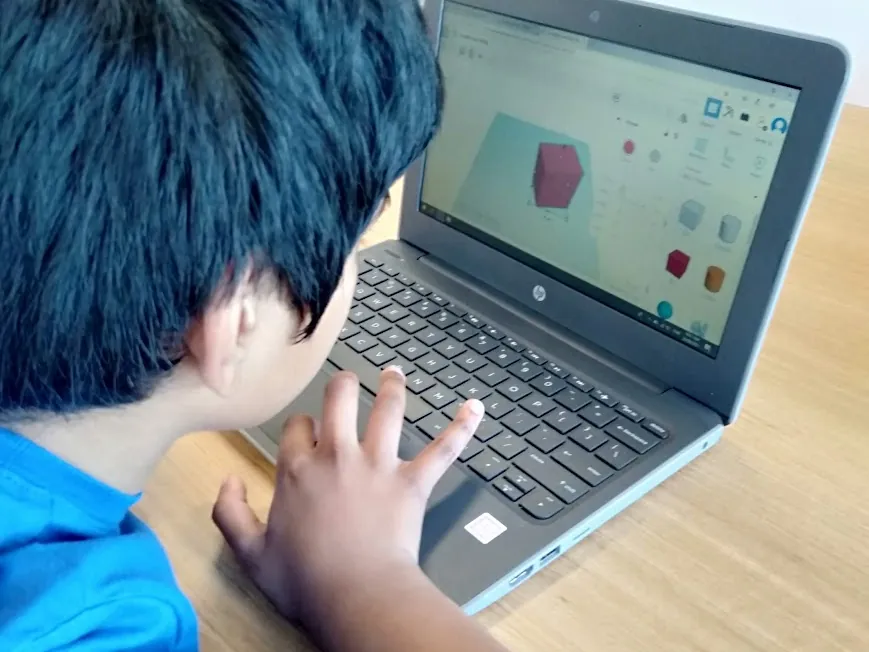
- TinkerCAD: 3D models from simple shapes, ready for 3D printing
- AutoCAD: 2D technical drawings, floor plans and measurements
- Maya: 3D modelling, texturing and simple animation
- Reading and creating plans and diagrams
- Designing real objects to solve everyday problems
- Preparing models for 3D printing
How it helps with work
- CAD skills used in drafting, engineering and construction
- 3D modelling for games, animation and design
- A portfolio of models and drawings for employers or courses
- Spatial thinking and attention to detail
- A path into TAFE and design courses
Younger participants can start with TinkerCAD in our robotics and coding sessions. Game makers can bring their 3D models into game development.
How sessions work
- One-to-one sessions, or a small group when the participant is ready
- A patient instructor who adapts the pace, language and activities
- Visual step-by-step plans and plenty of practice
- Breaks whenever they're needed, in a calm setting
- Face to face at a location that suits the participant, or live online
- Short progress notes for families, support coordinators and plan managers
Using NDIS funding
We work with NDIS participants whose funding is self-managed or plan-managed. Talk to your plan manager or support coordinator about how sessions fit the goals in your plan, such as building skills for work, learning, or social and community participation.
STEMBuddy is not a registered NDIS provider, so NDIA-managed funding can't be used. We provide invoices and short progress notes after sessions. How NDIS sessions work.
Questions from participants and families
Which program should I start with?
TinkerCAD. It runs in a web browser, it's free, and it teaches the basics of 3D design before moving on to AutoCAD or Maya.
Is AutoCAD free?
Autodesk offers free education licences to eligible students. Otherwise it needs a subscription. We'll help you work out the right option.
Do I need a powerful computer?
TinkerCAD runs on most computers. AutoCAD and Maya need a more capable computer, and we can advise.
Can I 3D print what I design?
Yes. TinkerCAD designs can be exported for 3D printing, and we'll show you how.
Talk to us about NDIS sessions
Tell us the participant's goals and interests, and we'll suggest a starting point and times.